Every Page Has a Job: Why Website Content Needs Clear Purpose
In Web Design That Works, the principle of purpose-driven page design was explored, in that every page on a website should have a clearly defined job. But once that principle is established, a more practical question follows: what should each page actually be designed to achieve?
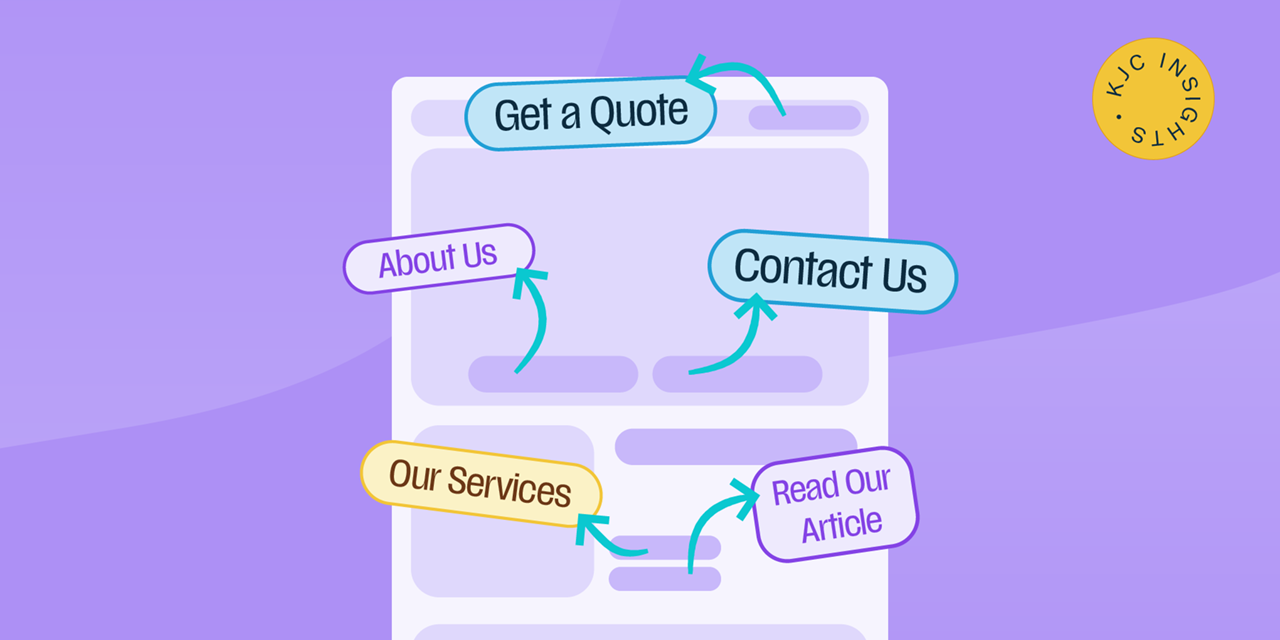
That can be surprisingly difficult to define. Too often, multiple ideas compete for the same page, or a single page is expected to do too much. You’ll often see several calls to action competing for attention within the same section, each asking visitors to take a different next step.
The result is a web page that lacks a clear focus and tries to serve everyone at once.
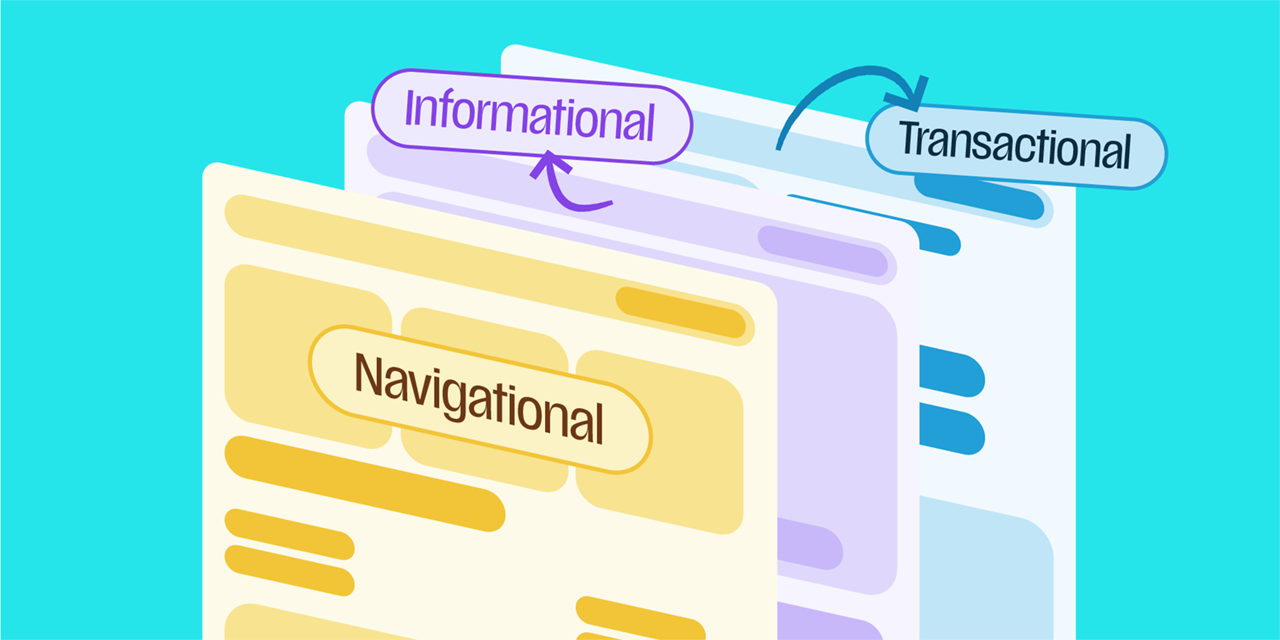
This article looks at the four different types of jobs that pages can perform, and the role content plays in helping them do that job effectively.
 Informational
|
 Commercial
|
|
|---|---|---|
| Visitor Intent | “I need to understand this” | “Can I trust this company?” |
| Job | Educate | Build confidence |
| Example | Service page | Case Studies |
 Transactional
|
 Navigational
|
|
|---|---|---|
| Visitor Intent | “I’m ready to take the next step” | “Where can I find what I need?” |
| Job | Drive action | Guide |
| Example | Contact page | Homepage |
Informational: content that educates
Some pages exist primarily to help people understand. This includes pages such as ‘About’ , ‘Services’, ‘FAQs’, ‘Guides’ and ‘Insights’. Their job is to educate and build trust, giving visitors the knowledge they need to understand a problem, explore a topic or assess whether your offering is relevant to them.
Good informational content follows best practice for clarity: it’s easy to understand and answers questions people are looking for. It’s not trying to sell, but to earn credibility by helping people solve problems and answer questions.
Commercial: build user confidence
Once someone understands what a business does, the next question may be whether it is the right choice for them. This is where validation points such as testimonials, reviews, case studies and accreditations become important.
This content supports a decision that is already being considered. It helps visitors assess their options and overcome the doubts that might otherwise prevent them from moving forward.
A glowing testimonial buried at the bottom of a page is unlikely to have much impact. This type of content works best when it appears at the point where people are likely to hesitate, such as before an enquiry form or near pricing information.
Transactional: drive action
Some pages have a much simpler job: helping someone complete the next step. Contact forms, booking pages, quote requests and checkout journeys exist to turn interest into action, so everything about them should be designed to remove unnecessary friction.
That means asking whether the next step is obvious, whether forms only ask for what is actually needed, and whether anything is slowing people down or introducing doubt at the point they are ready to commit.
Answering these questions keeps the focus on the user and makes sure the page is doing its job as clearly and directly as possible.
Navigational: a user’s guide
Not every page needs to inform or convert. Sometimes its primary job is simply to help users reach the right place.
Beyond clear menus and sensible page structures, can people find what they need quickly? On larger websites, this might mean using content pillars to connect related insight articles, or structuring service sections so that more complex topics can be explored through dedicated sub-pages.
This is most visible on large ecommerce sites, where filtering, categories and “related products” modules exist purely to help a visitor narrow thousands of SKUs down to the handful that matter to them; sites like Amazon are built almost entirely around this principle. But the same thinking applies just as much to non-shopping platforms. News sites like the BBC use topics, sub-categories, and “related stories” to help readers move from one relevant piece of content to the next.
Aligning with user intent
The obvious challenge to this idea is that not all visitors arrive with the same needs. A service page might face a first-timer trying to understand what you offer, a returning customer ready to purchase quickly, and someone simply curious who you are. It can feel like you need to serve all of these users equally.
But it’s important to check back in with your page’s intent, and what you actually want visitors to achieve when they land there. Don’t let that focus be diluted by differing needs, ensure your primary content stays clear and at the forefront. Only once that’s established should you think about supporting other needs, through supplementary content, easy navigation, and applying good UX.
By doing this, you’re aiming to reduce the cognitive load your users experience, helping them move towards their goals faster and with more confidence. Even if that means a visitor realising they need a different page or section, that’s still a win, provided they can find their way there easily. What matters is that they’re never left guessing or confused.
If your content isn’t focused and tries to serve too many people at once, it ends up serving nobody.
Content with purpose
Good web design is not only about how a site looks. It is also about creating a clear path through the information, helping visitors find what they need, build confidence and move forward without unnecessary friction.
When reviewing a website or planning a redesign, it is worth auditing each page individually. Ask:
- What is this page’s primary job?
- Who is it for?
- What does that visitor need to know or do?
- Is the content helping the page fulfil its job, or competing with it?
Once the purpose is clear, decisions about content, structure, calls to action and design become much easier. This is the same thinking that shapes a user journey, as at every step, the question is simply: what should the visitor to do next, and does the page make that obvious?
If it is difficult to explain what a page is there to achieve, the problem may start with the content itself, long before questions about layout or visual design.
Last updated October 2026